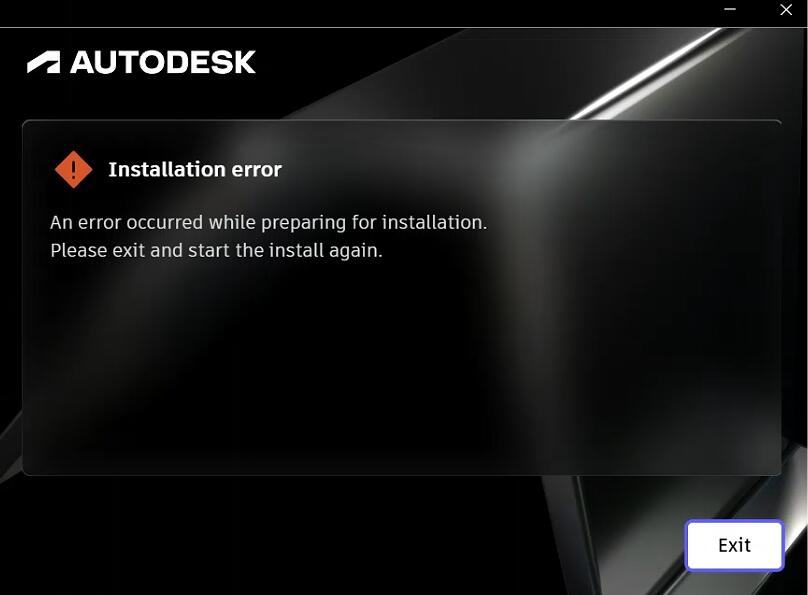
Fix: Installation errorAn error occurred while preparing for installation.Please exit and start the install again.
Issue:
Installation error
An error occurred while preparing for installation.
Please exit and start the install again.
Solution
This issue can often be resolved by thoroughly cleaning up any residual installation files using the deepuninstaller tool, then attempting to reinstall the software.
Steps to Resolve
- Open the deepuninstaller application.
- Navigate to the Extension Functions section within the application.
- In the search field, enter
103and click the Search button.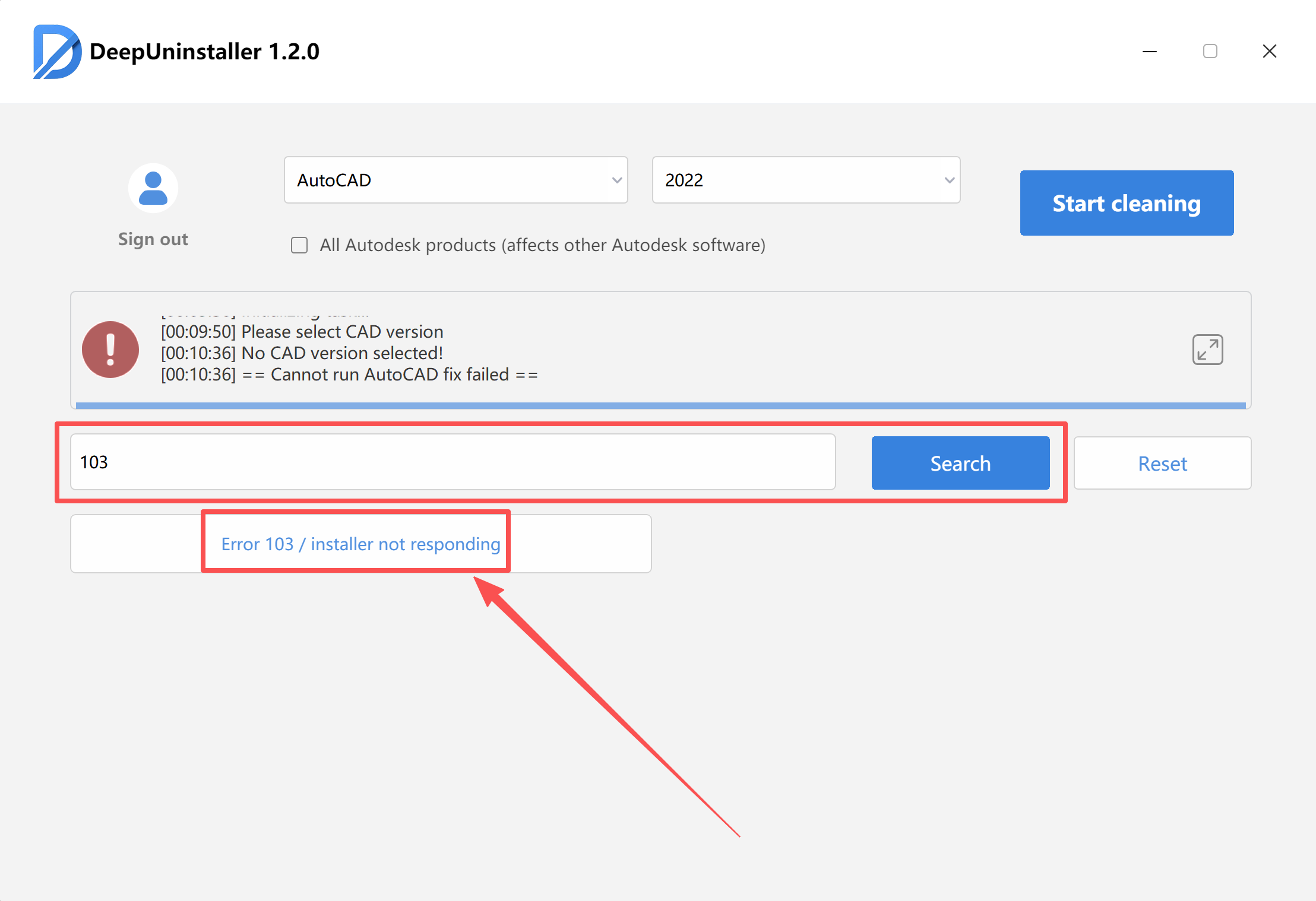
- Initiate the repair process.Note: The repair process may take a significant amount of time to complete, depending on the system’s current state and the extent of the cleanup required.
- Wait for the application to display a confirmation message indicating that the repair was successful.
- After the repair is complete, attempt to reinstall your Autodesk software.
🚀 Affiliate Partnership – Earn 50% Commission
Earn 50% commission for every sale.
When users enter our website through your referral link, purchases made during the cookie validity period will be attributed to you.
✔ 50% commission
✔ Long-term cooperation
✔ Reliable tracking and payouts
⚠️ Self-referrals are not allowed.
👉 Apply here:
https://deepuninstaller.com/en_us/agent


评论
发表评论